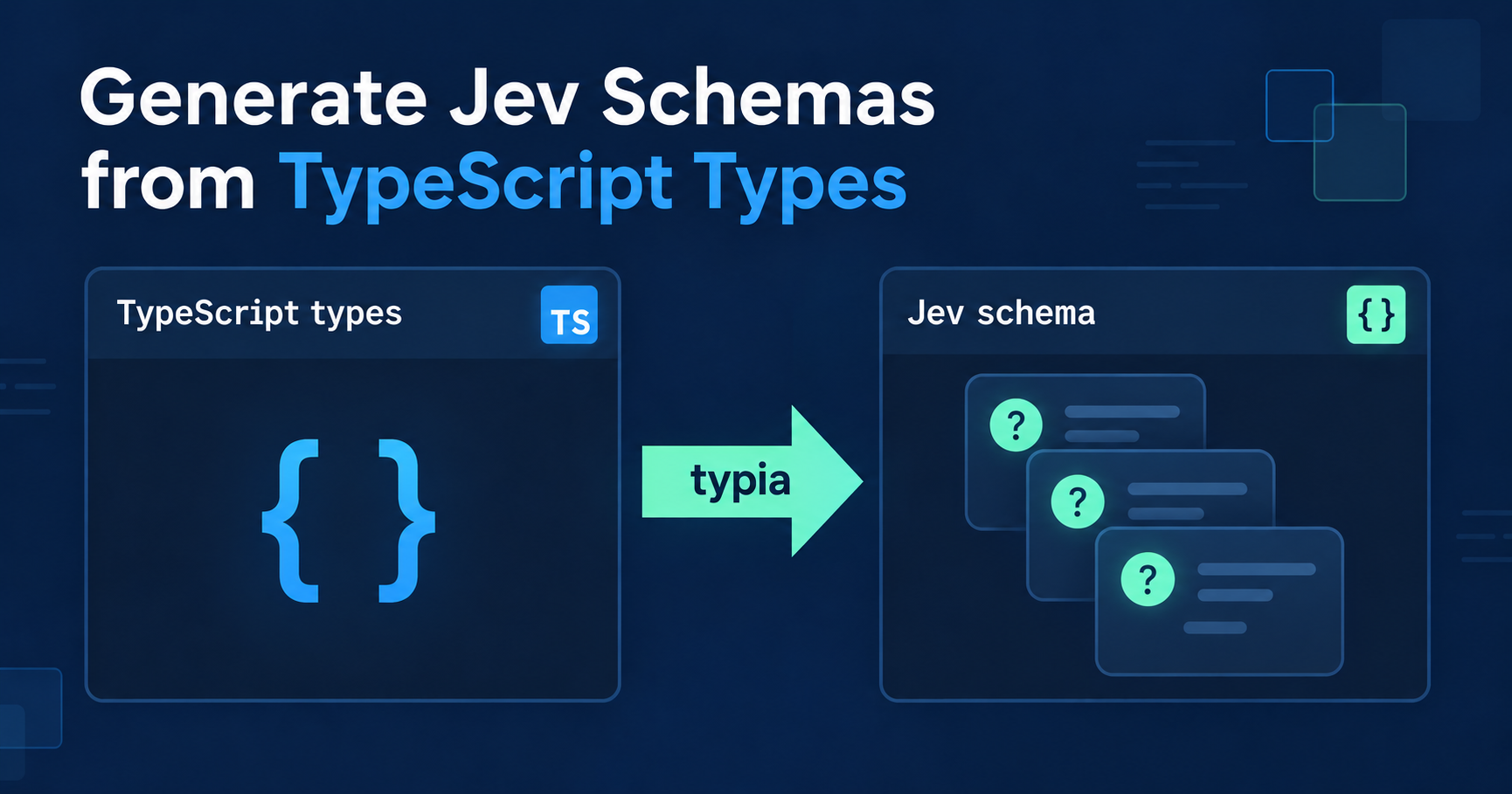
Generate Jev Schemas from TypeScript Types
TL;DR
- Generate Jev question schemas from TypeScript types. Property and enum comments supply the instructions and choice descriptions.
- Call Jev directly or through Vercel AI SDK. Decode the answers back into the declared TypeScript type.
- Use the same type with OpenAI. Generate JSON Schema for Structured Outputs and call the official
openaiSDK.
Define the questions
import typia, { tags } from "typia";

enum Department {
  /**
   * Payments, invoicing, refunds.
   *
   * Duplicate charges, failed cards, and plan changes belong here, even when
   * the customer also mentions a bug.
   *
   * @probability 0.3
   */
  billing = "billing",

  /**
   * Bugs, outages, and broken integrations.
   *
   * Paging an engineer is expensive, so only pick this when the customer
   * describes the product misbehaving.
   *
   * @probability 0.5
   */
  technical = "technical",

  /**
   * Pricing, upgrades, and new accounts.
   *
   * @probability 0.2
   */
  sales = "sales",
}

interface ITicketTriage {
  /**
   * Does the customer convey urgency?
   *
   * A deadline, an outage, lost revenue, or a threat to leave counts. An
   * impatient tone alone does not.
   */
  urgent: boolean;

  /**
   * Which team should handle this ticket?
   *
   * Decide by what the customer needs done, not by the words they use.
   */
  department: Department;

  /**
   * Does the customer ask for their money back?
   *
   * Complaining about a charge is not a request. The customer has to ask.
   */
  refund: boolean & tags.Probability<0.8>;
}

const triage = typia.llm.evaluation<ITicketTriage>();
const ticket = "I was charged twice this morning. Refund it now, or I leave.";
typia.llm.evaluation<ITicketTriage>() generates a question map and answer decoder at compile time. Boolean properties become yes/no questions; Department becomes a choice question. Property comments supply instructions, and enum member comments describe each option.
The Jev examples below send triage.questions with the same ticket. Jev performs the inference; triage.decode() checks its answers and returns the reconstructed ITicketTriage in result.data, or validation errors in result.errors.
Jev
import { TypeSafeClient } from "@typesafe-ai/sdk";
import { toJevQuestions } from "@typia/jev";

const client = new TypeSafeClient(); // reads TYPESAFE_API_KEY
const { answers } = await client.systemOne({
  model: "jev-1.13.0",
  state: ticket,
  questions: toJevQuestions(triage.questions),
});

const result = triage.decode(answers);
if (result.success) {
  result.data.department; // Department
  result.data.refund; // boolean
}
@typesafe-ai/sdk calls Jev directly. toJevQuestions() converts the yes/no question type from "boolean" to Jev’s native "noul"; choice and score questions pass through unchanged. Set TYPESAFE_API_KEY for the client.
Pass the returned answers to triage.decode(). The decoded object contains the fields declared in ITicketTriage; keep the original answer map if you also need Jev’s probabilities.
Vercel AI SDK
import { typeSafeAi } from "@ai-sdk/typesafe-ai";
import { experimental_decide } from "ai";

const response = await experimental_decide({
  model: typeSafeAi.decisionModel("jev-1.13.0"),
  state: ticket,
  questions: triage.questions,
});
const result = triage.decode(response.answers);
if (result.success) {
  result.data.department; // Department
  result.data.refund; // boolean
}
Vercel AI SDK’s TypeSafe provider calls Jev through experimental_decide(). Pass triage.questions directly: the provider converts them to Jev’s native format. Decode response.answers with the same triage.decode() function.
Set TYPESAFE_AI_API_KEY for this provider, rather than the direct SDK’s TYPESAFE_API_KEY. The example uses AI SDK 7’s decision API.
OpenAI
import OpenAI from "openai";

const client = new OpenAI(); // reads OPENAI_API_KEY
const output = typia.llm.structuredOutput<ITicketTriage, { strict: true }>();
const response = await client.responses.create({
  model: "gpt-5.6-luna",
  input: [
    { role: "system", content: "Classify the customer ticket using the schema descriptions." },
    { role: "user", content: ticket },
  ],
  text: {
    format: {
      type: "json_schema",
      name: "ticket_triage",
      strict: true,
      schema: { ...output.parameters },
    },
  },
});

if (response.status !== "completed" || !response.output_text) {
  throw new Error("OpenAI did not return a completed structured response.");
}
const result = output.validate(JSON.parse(response.output_text));
if (result.success) {
  result.data.department; // Department
  result.data.refund; // boolean
}
OpenAI’s official openai SDK accepts JSON Schema for Structured Outputs. typia.llm.structuredOutput<ITicketTriage, { strict: true }>() generates that schema for text.format from the same type and comments. Set OPENAI_API_KEY for the client.
OpenAI returns the triage object as JSON text. The guard handles incomplete responses or refusals without text; output.validate() checks the parsed object. This path does not return Jev’s answer map or enforce the evaluation-specific probability annotations.
Get it
npm install -D ttsc typescript
npm install typia @typia/jev

npx ttsc              # build
npx ttsx src/index.ts # or run
Install the SDK packages for the example you use. Save the shared declarations and one SDK example in src/index.ts, and set its API key. Use ttsc or ttsx to apply typia’s compile-time transform.